On site
Progress Update
Work by responsible person and the update workbook.
The Progress Update tab lists the work each person is responsible for, and writes a workbook to send out and key back into P6.
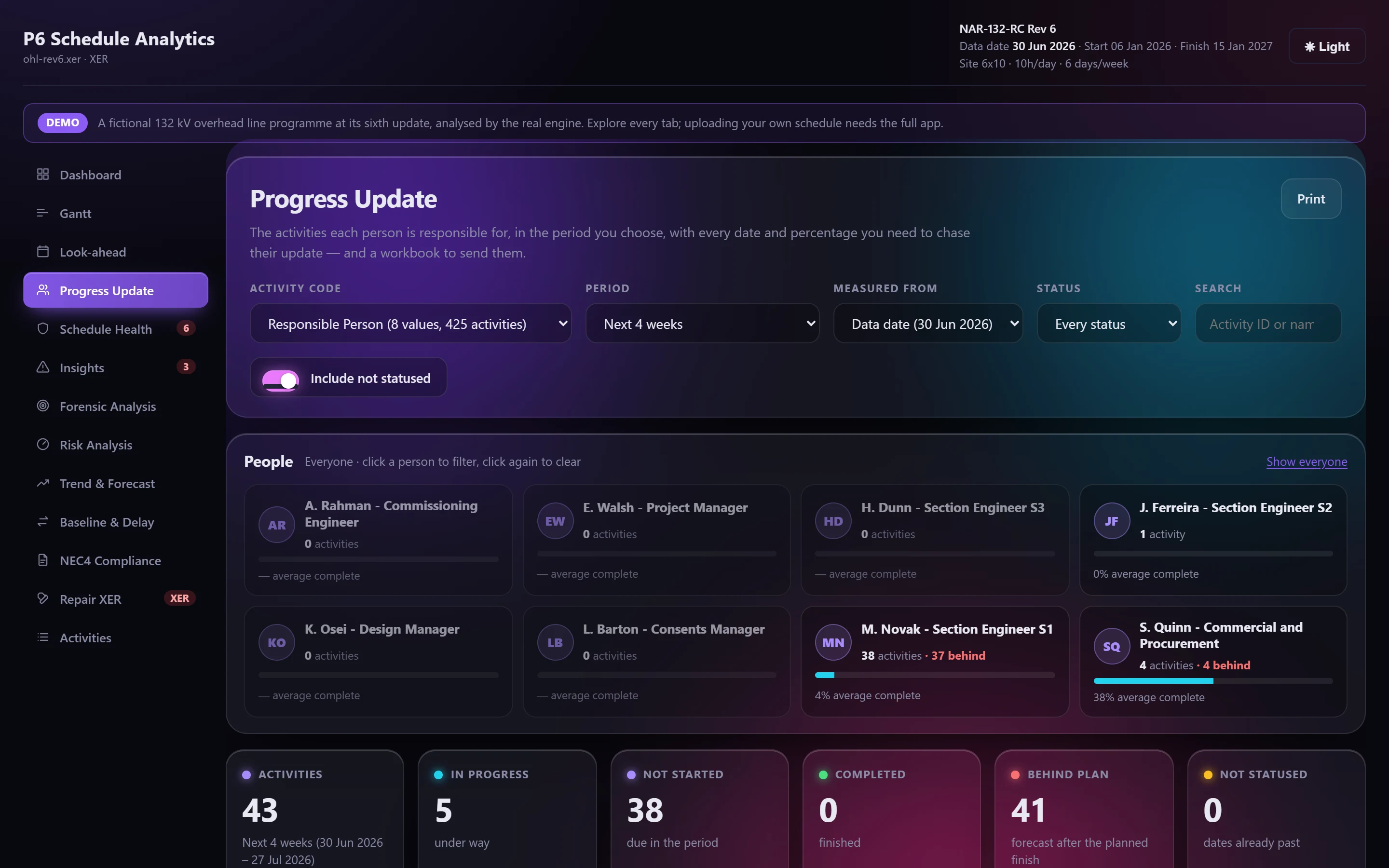
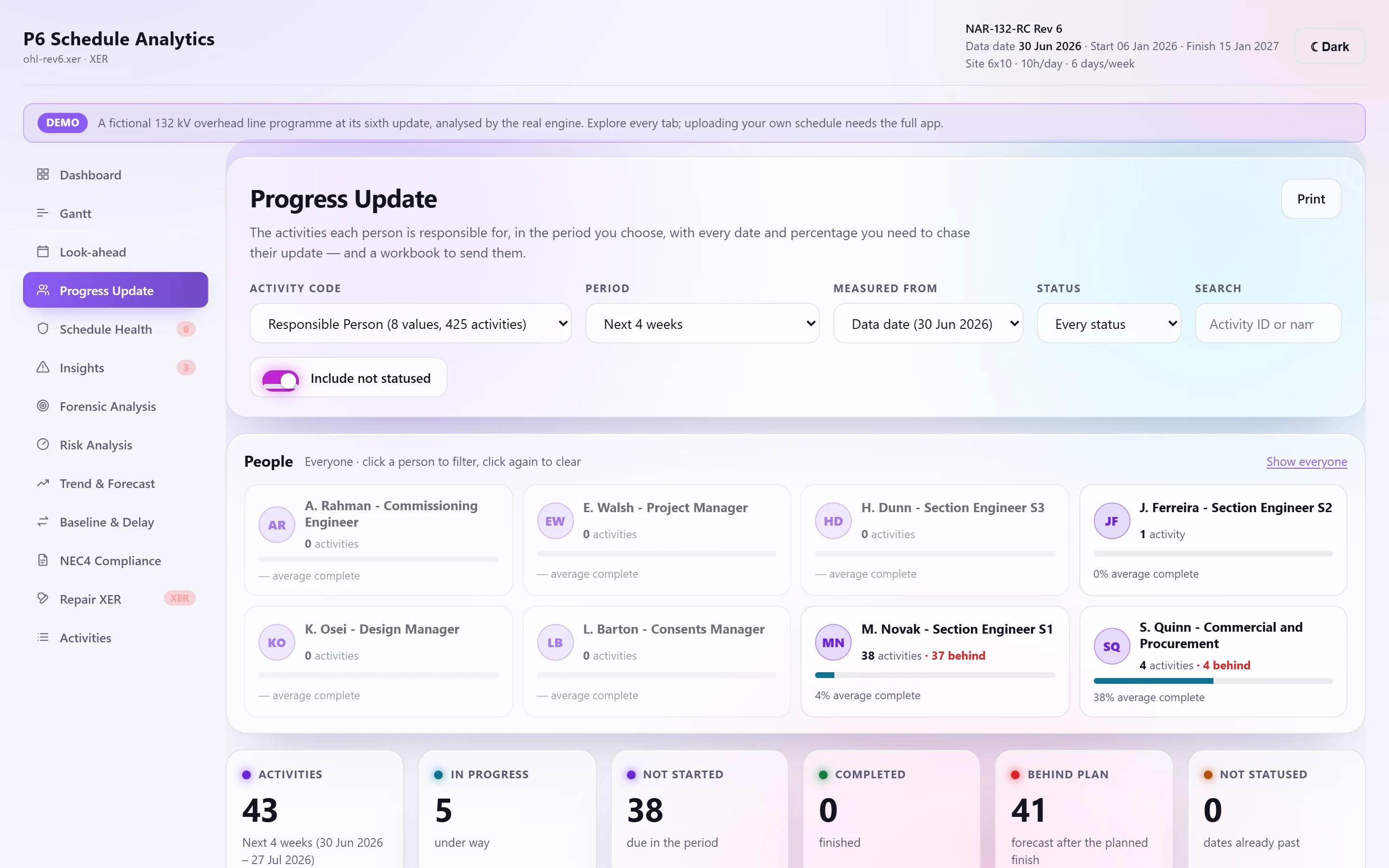
Choosing whose work#
The tab divides the programme by an activity code. A code named like "Responsible Person" comes first and is chosen by default, but the Activity code list offers every other code in the programme too: discipline, area, subcontractor. The choice is remembered in that browser.
Then choose one or several people (or code values), a period and a status.
- Periods are measured from the data date or from today: on that date, the next 2 or 4 weeks, the next 3 months, 2 weeks back to 4 weeks ahead, the last 4 weeks, the calendar month, the whole programme, or your own dates.
- An activity counts if its span (actual, else forecast, else planned) touches the period.
- Work that should already have started or finished by the data date but has no actuals, not statused, is kept, so it gets chased.
Each row carries planned, forecast and actual dates, physical and duration percent complete, float and the days behind plan.
The update workbook#
Export update workbook writes the same selection to Excel, ready to send. It has no macros, so it opens without a security warning.
- Overview: tick the people to show. Their combined figures, a status chart and every activity they own appear below, each under a band with their name. The ✎ on each row jumps to the cell to update.
- One sheet per person: activities under their WBS headings, laid out as P6 exports them. Grey columns are the programme and are locked. White columns are the update: actual start and finish (holding the programme's dates, to type over), actual percent complete, expected finish if it's changing, and notes or the reason for delay. Changed cells turn green; entries are validated; a Check column flags a missing reason, start or finish.
- Team compares everyone; All updates lists every change ready to key into P6; Guide explains how to fill it in.