Load two or more updates of the same programme, in any order. See where the finish is heading, whether each update's dates came true, what was re-planned, and which work moved the finish in each window.
What it gives you
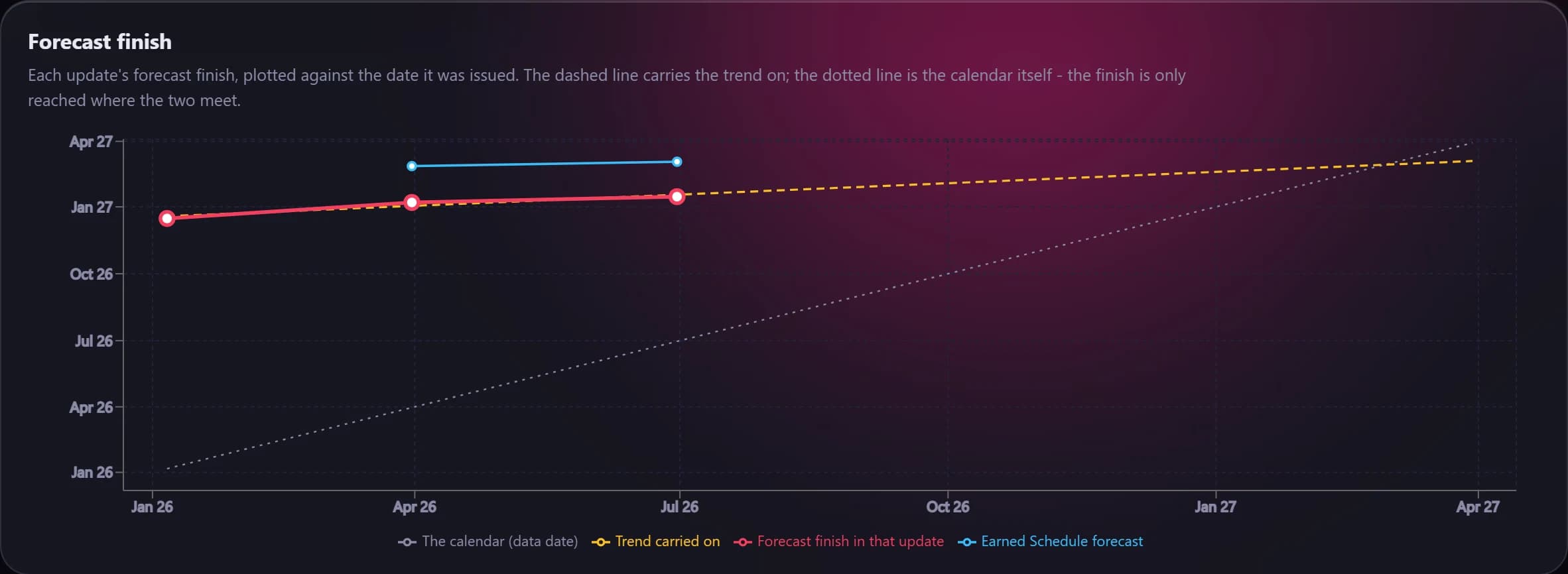
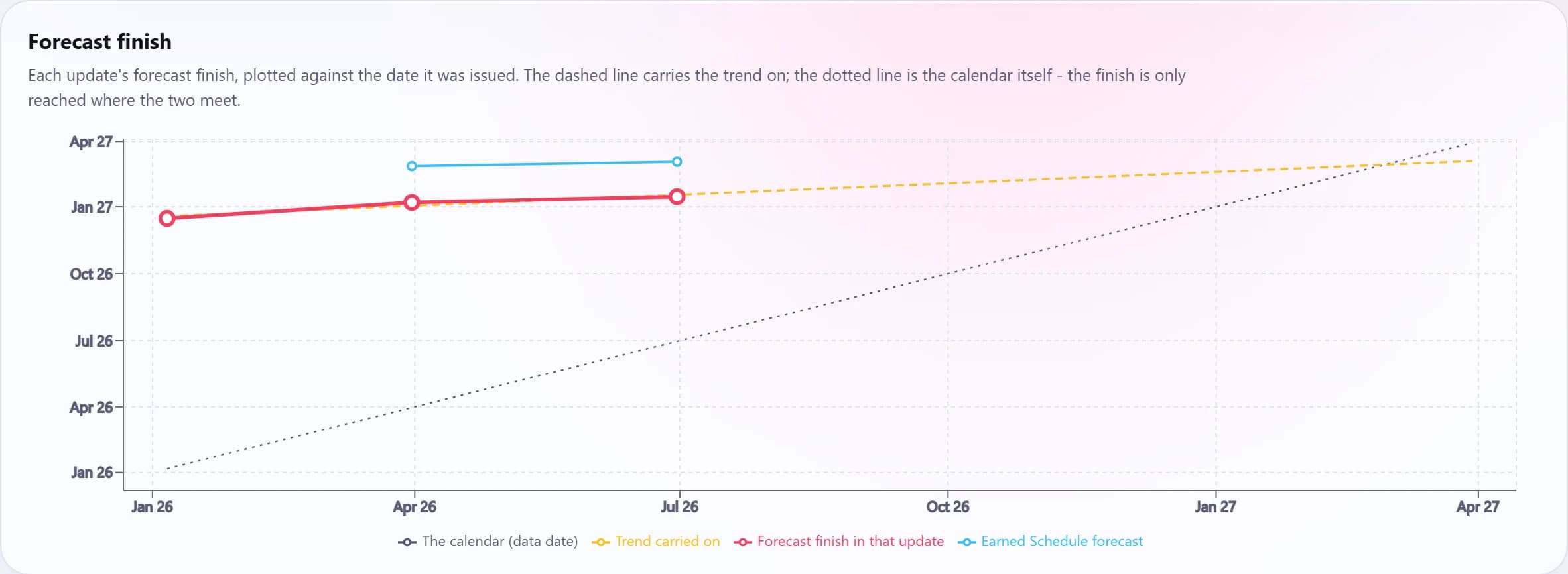
A slippage rate, days slipped per day elapsed, with a plain-English verdict and where the trend lands.
A hit rate: of the work an update said would finish before the next data date, how much did.
Windows analysis splits each activity's movement into what it inherited and its own delay.
Baseline and delay
- Activities matched on Activity ID, measured on P6's current dates in working days on each activity's own calendar.
- Finish movement, how much open work slipped or came in ahead, median and worst slip, milestones slipped, scope added and removed.
- Work a file forgot to status is measured at its data date and tagged, rather than read as months of delay.
Check your next update before anyone else does.
Fourteen days free. Export an XER from P6 and see what it says.