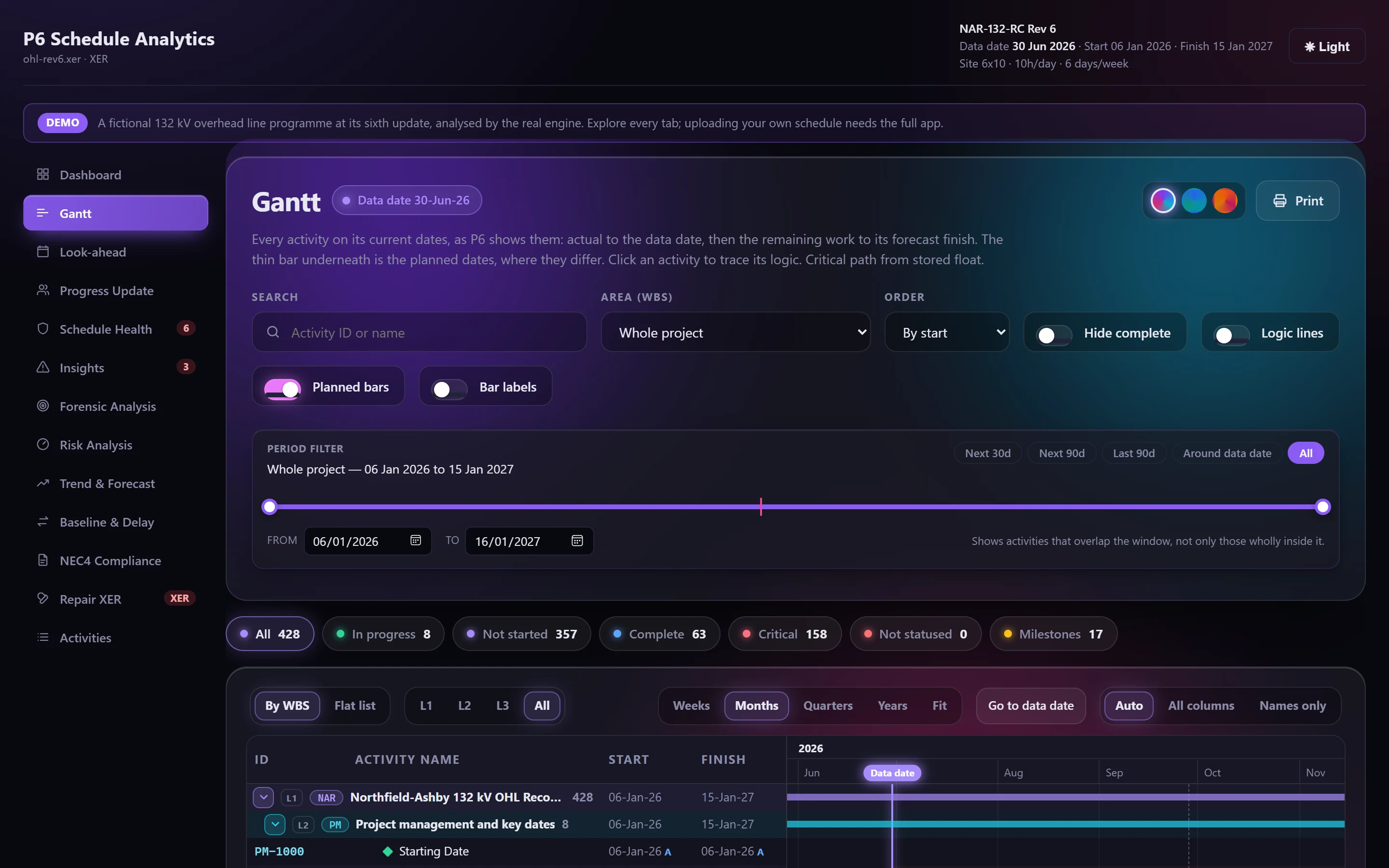
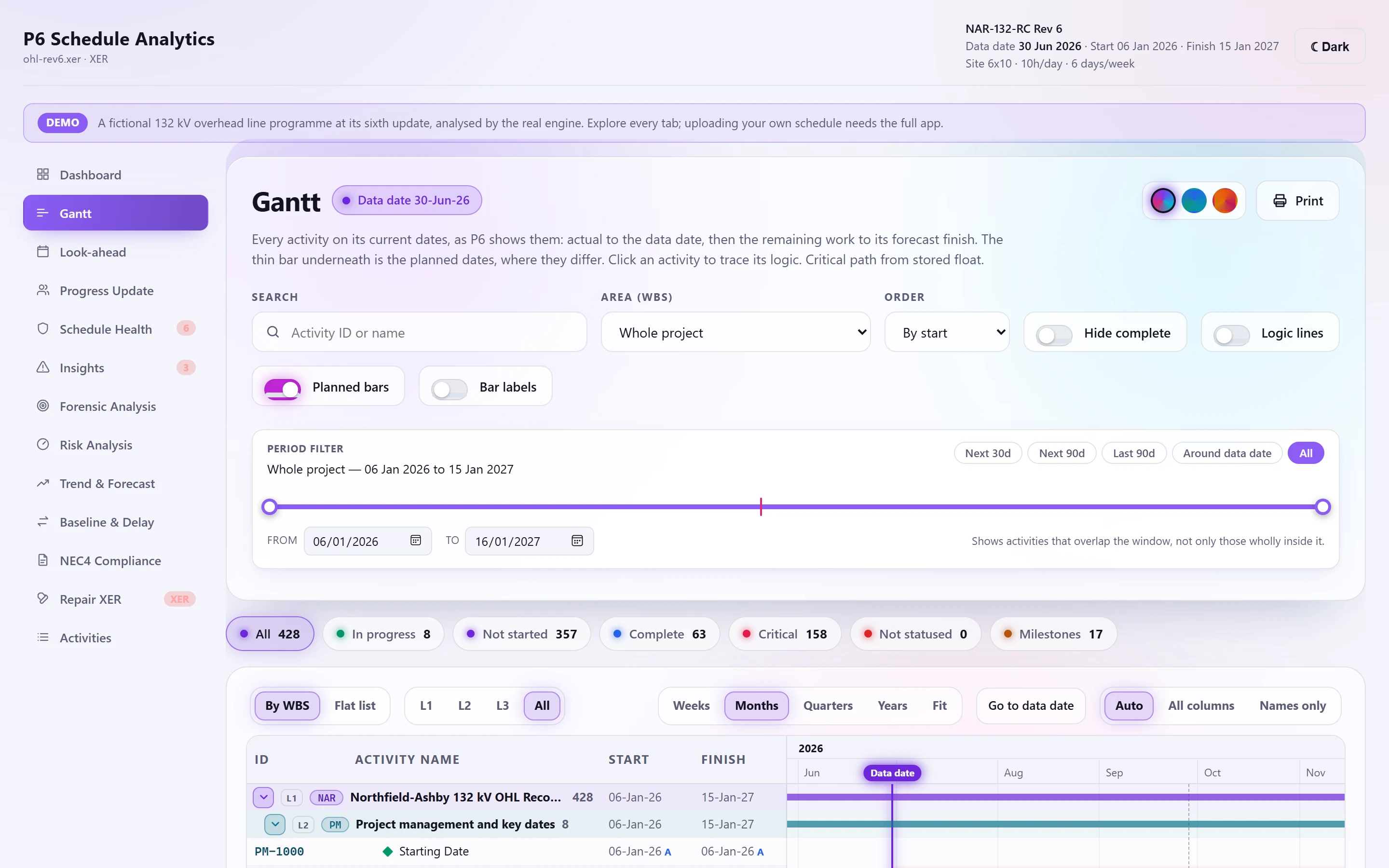
An independent forward and backward pass in real dates. Each activity advances on its own calendar and each lag on its predecessor's, completed work is pinned to its actual dates, and the Gantt shows the result in the layout planners already read.
What it gives you
When stored float is stale, with every open activity deeply negative, the critical path is recomputed from the logic instead of marking the whole job critical.
Click any activity to trace its predecessors and successors, and jump along the chain.
Thousands of activities scroll smoothly: only the rows on screen are drawn.
Why recompute at all
An export carries whatever late dates were stored at the last F9. If the file wasn't rescheduled against its data date, those dates describe a plan that no longer exists. The engine detects this, recomputes float from the network, and tells you which basis it used.
The Gantt, as P6 draws it
- Collapsible WBS tree with summary bars; ID, name, remaining duration, start, finish and total float.
- Blue actual to the data date, green remaining, red when critical, with the planned dates as a thin bar underneath.
- Work whose dates are already past without actuals is framed as not statused.
- Weeks, months, quarters, years or fit, and a jump to the data date.
Check your next update before anyone else does.
Fourteen days free. Export an XER from P6 and see what it says.